Hosting an Experience
Swala Portal allows you to host your own experiences. You can create an experience by clicking on the Create button on the top right corner of the portal. You will be redirected to a page where you can fill in the details of your experience. You can also upload images for your experience. Once you are done, click on the Next button at the bottom right of the page to continue to next section. Finally, click on the Create button at the bottom right of the page to create your experience.
Your experience will be created and you will be redirected to the experience page. You can also view your experience by clicking on the Preview button on the experience card on the home page.
Experience List and Overview
The Experience List page shows all the experiences that you have created. You can also click on the Edit button to edit the experience.
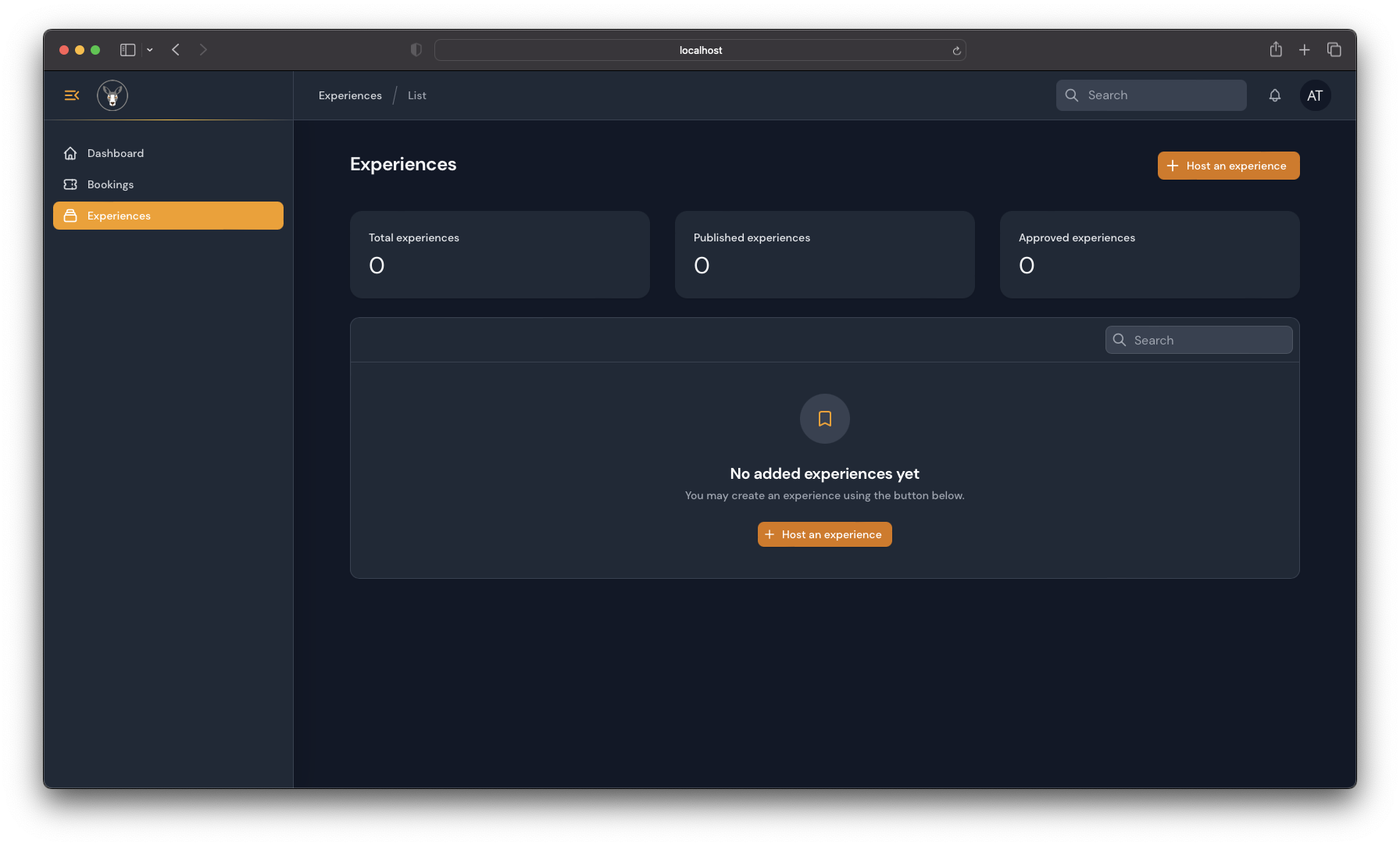
Hosting an Experience
You can host an experience by clicking on the Host an experience button on the experience list page. You will be redirected to the experience create page.
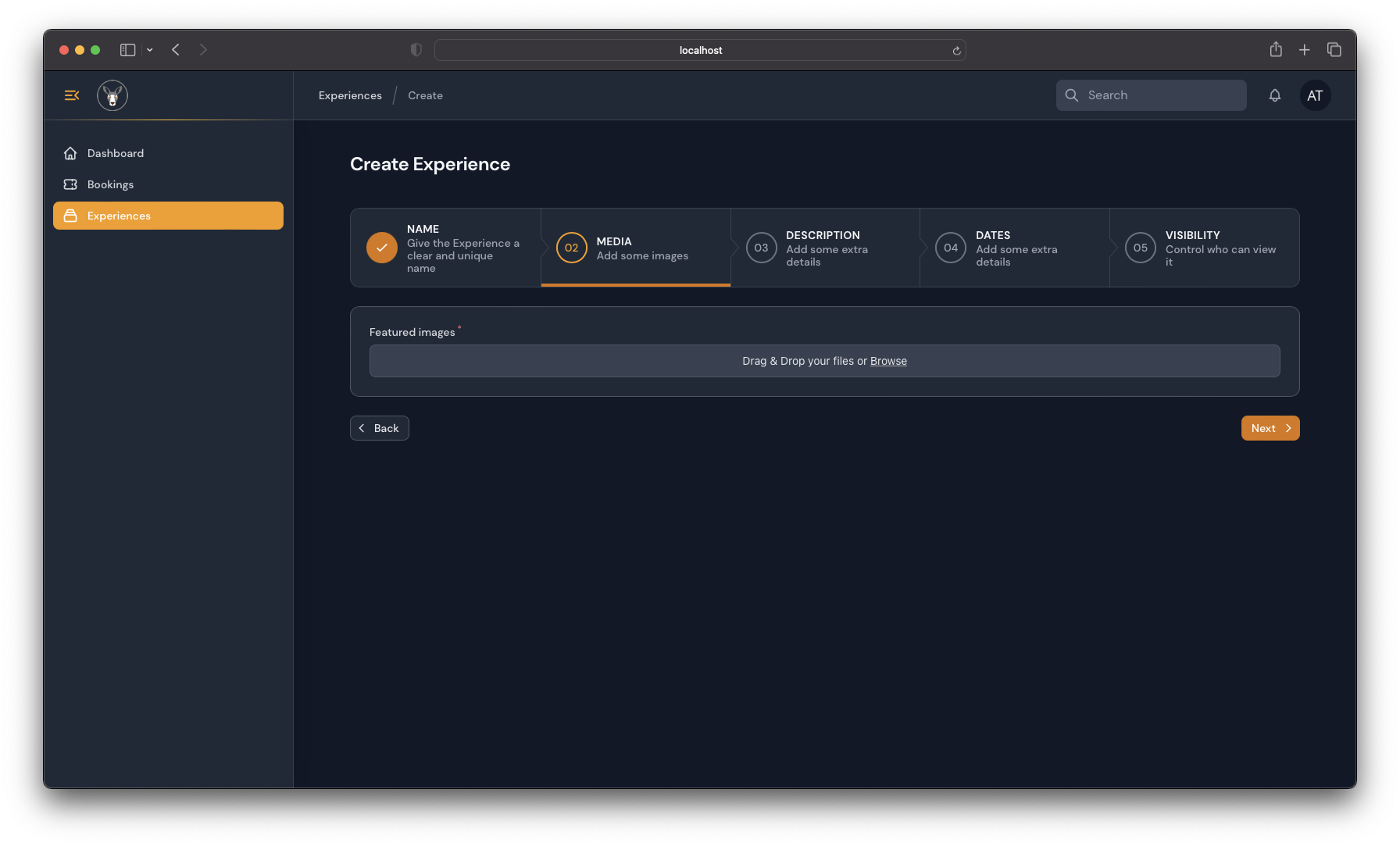
In the 1st step, you will name your experience and provide its location, in the 2nd section you may upload up to 3 photos of your experience (each photo shouldn’t be more than 1MB). After these sections, you will give a description of your experience, what it includes, what a travel can expect from it and tips for the trip. Step number 4, you will add the dates of your experienced, if it has open dates or fixed dates and how many days and nights then set your Visibility options and save your changes.
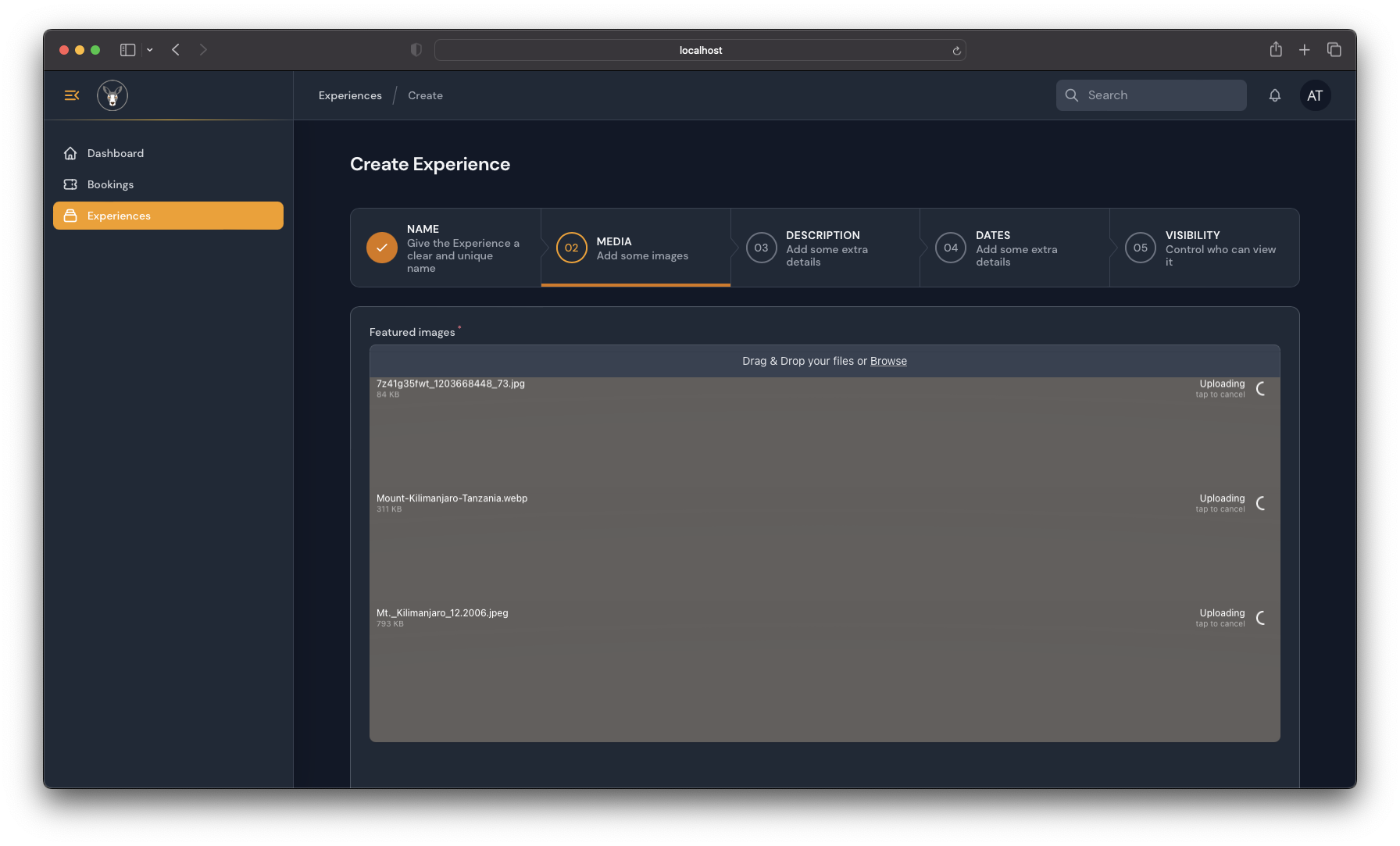
Upload images for your experience by clicking on the Browse button. You should upload multiple images at-least 2 to 3 images.
Down below you will see the Accommodation, Programs, Rates, & Review sections where you can put information about:
- The Accommodation for your experience (if it isn’t a Day Experience).
- The Programs which mean the description of each day’s activities.
- The Rates for your experience.
- The Reviews you got from your clients from this experience.
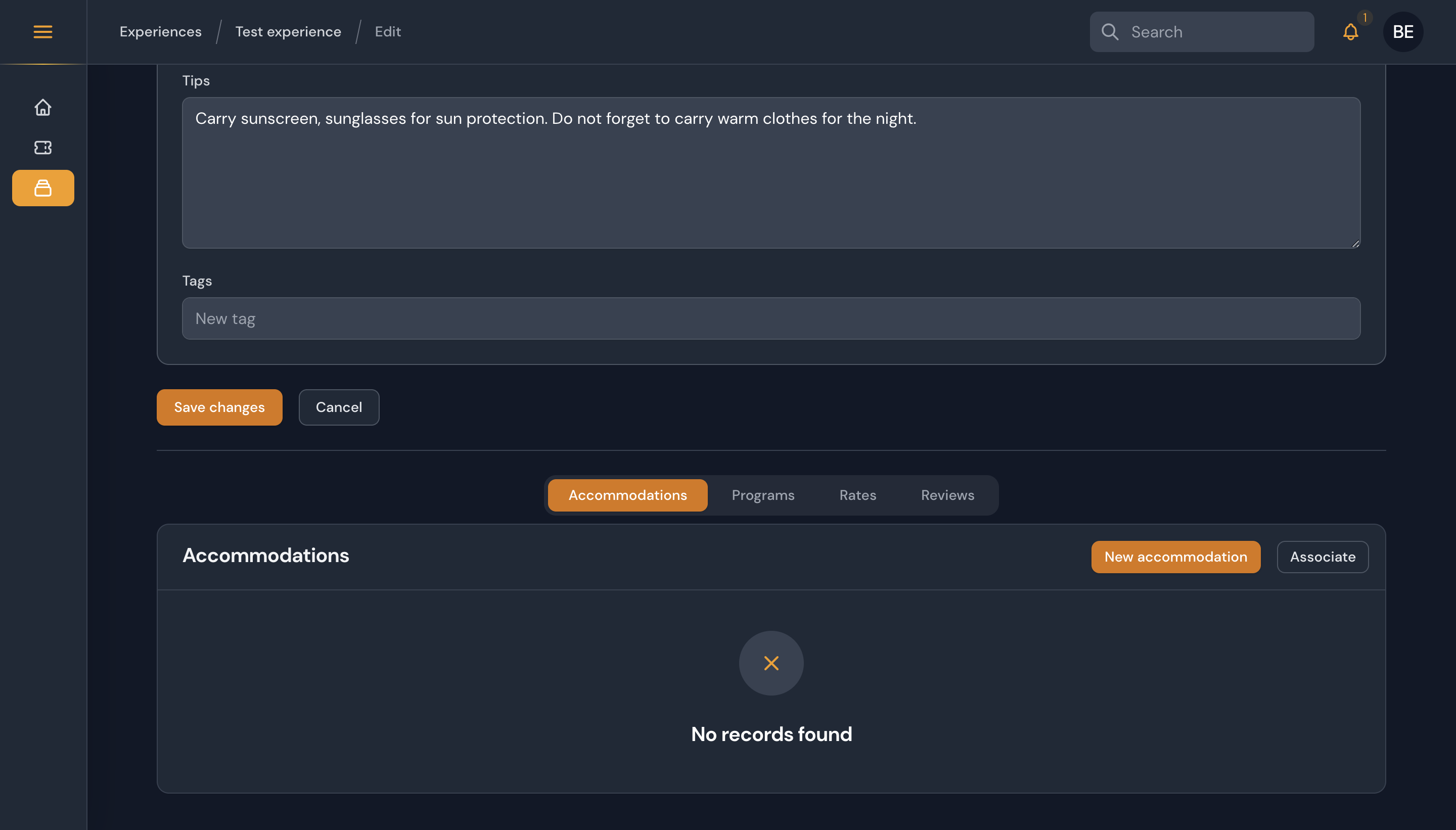
In case you have a similar accommodation included in your other packages, you can always find its information there to use it again multiple times. Please note that you are free to make some important changes to your experience even after it is published.