Registration
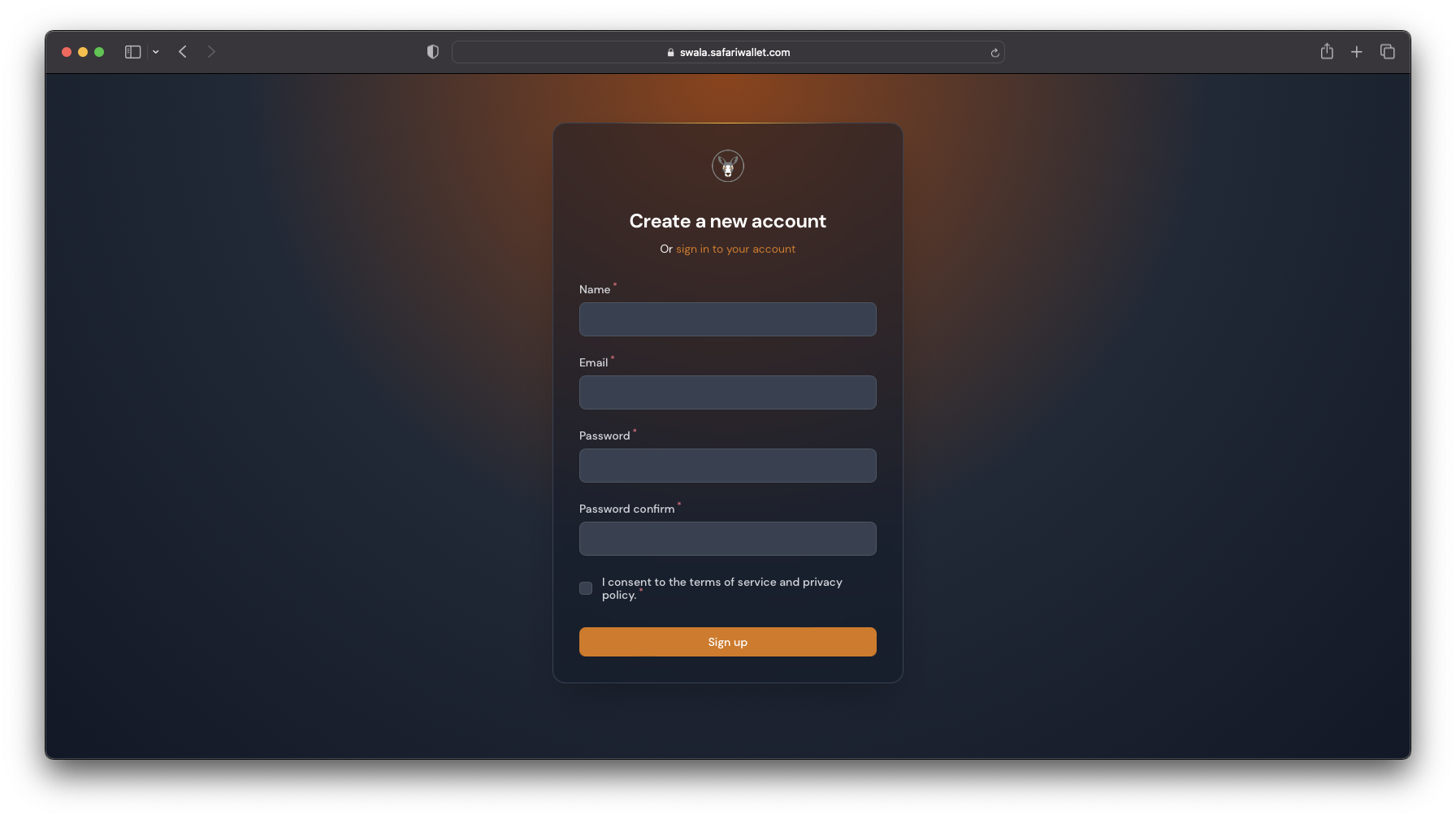
Visit the Swala Dashboard and click on the Register link. You will be prompted to enter business name, email address, and a password. Once you have entered your details, click on the Register button. You will receive an email with a link to verify your email address. Click on the link to verify your email address. You will be redirected to the login page. Enter your email address and password and click on the Login button. You will be redirected to the dashboard.
KYP/Onboarding Form
Once you have registered, you will be required to fill in the KYP/Onboarding Form. This form will be used to verify your identity and to ensure that you are compliant with the relevant regulations. If you have any questions about the form, please contact us at productlaison at safariwallet dot com.